4.9 on Google (405) 242-3342 Request Service
Residential Electrical Service

Smart home wiring and automation in Oklahoma City.

Apps and devices are the easy part. We build the wiring underneath them - neutrals, dedicated circuits, and control that keeps working when the network doesn't.

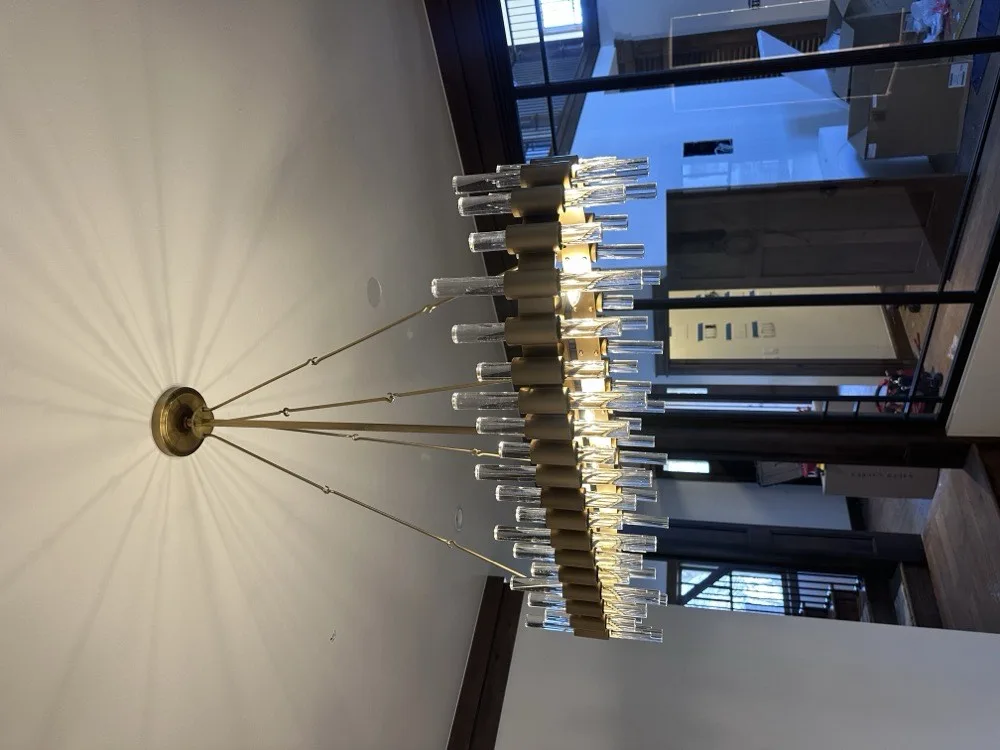
Crystal drop chandelier installation in an Oklahoma City home
Overview

The layer underneath the apps.

Smart home wiring is the physical part of a connected house: the neutral conductor a smart switch needs to power itself, the traveler configuration that makes a three-way work when both switches are now intelligent, the dedicated circuit for the network rack, the low-voltage cabling out to cameras and access points, and the sensors at the panel that tell you what your house is actually using. None of that is what the box on the shelf advertises, and all of it is what determines whether the system feels solid or feels like a science project.

Most of the smart home wiring calls we take in Oklahoma City start the same way. Someone bought a set of smart switches, opened the first wall plate, and found two wires where the instructions expected three. Homes wired with switch loops - which is a great many houses across the metro - simply do not have a neutral at the switch. That is a solvable problem, but it is an electrician's problem, not an app's.

The other half of our home automation wiring work happens before drywall. When we are wiring a new home or a remodel, we can put a neutral in every switch box, run cabling to the places you will eventually want a camera or a keypad, and leave the house ready for whatever platform you choose later. That is the version of this project that costs the least and ages the best.

Benefits

What good wiring does for a smart home.

1

The lights still work when the Wi-Fi is down

A wired smart switch is a switch first and a connected device second. Press it and the light comes on, router or no router. That is the difference between a smart home a guest or a babysitter can operate and one where somebody has to be talked through an app to turn on a hallway light.

2

No more buzzing dimmers or LEDs that flicker at the low end

Almost every complaint about smart dimming traces back to a mismatch between the dimmer and the LED driver, or to a load too small for the dimmer's minimum. We identify what each circuit is actually feeding and pair the right device to it instead of putting the same switch in all eighteen boxes.

3

Panel-level monitoring shows where the power is really going

Current sensors on individual circuits turn a vague bill into specifics: the well pump cycling more than it should, a second refrigerator in the garage, a pool pump running longer than you set it for. It is the only version of energy monitoring that tells you something actionable.

4

Your network and AV gear stop sharing circuits with appliances

If the router, modem, and equipment rack sit on the same general circuit as a garage freezer or a space heater, a nuisance trip takes the whole connected house down with it. Dedicated circuits for that equipment are unglamorous and they eliminate an entire category of mystery problems.

Signs you need this

You probably need wiring work if any of this sounds familiar.

  • You opened a switch box to install a smart switch and there was no neutral wire to connect to.
  • Some of your three-way switches stopped working correctly after smart devices went in, so now one switch controls the light and the other does nothing.
  • Dimmers buzz audibly, or your LEDs flicker, shimmer, or refuse to go below a certain level.
  • You are running everything on smart bulbs and someone keeps switching them off at the wall, which makes them unreachable until the switch goes back on.
  • The router or equipment rack shares a circuit with something that trips it, and the connected house goes down with it.
  • You want a doorbell camera, exterior cameras, or ceiling-mounted access points where there is no power and no cabling today.
  • Your panel is full and you would like whole-home energy monitoring or a smart panel with room to grow.
  • You are building or remodeling. Once the drywall is up, every one of these gets several times more expensive.
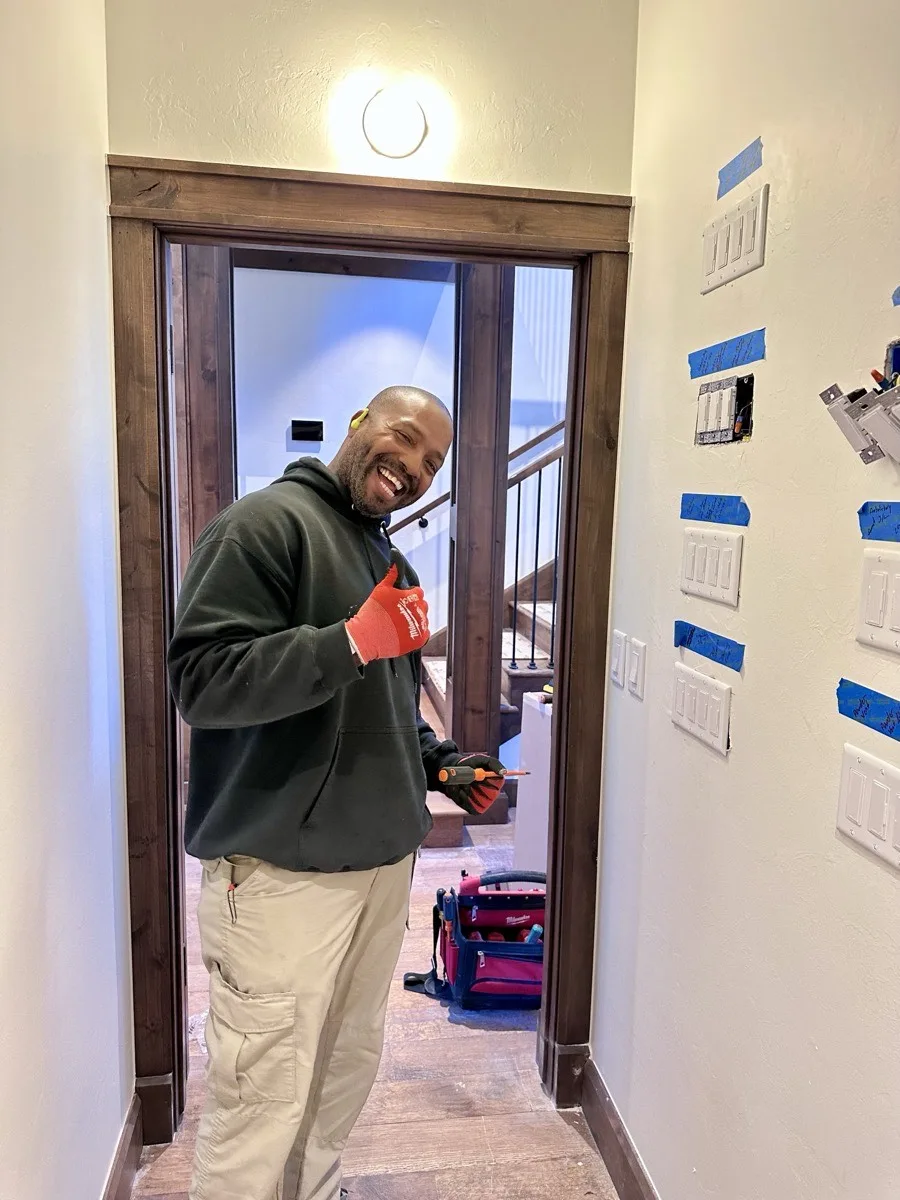
Ka'ron, journeyman electrician at Grider Electric, on a job in Arcadia, OK
Pricing guidance

What drives the cost of smart home wiring.

Smart home projects run from an afternoon of switch swaps to a whole-house pre-wire, so here's what genuinely moves the cost:

  • How many locations need a neutral pulled. This is the dominant factor in almost every retrofit. A box that already has a neutral is a quick swap. Fishing a new conductor into a switch loop is real work, and doing it twenty times is a different project than doing it twice.
  • Access to the walls, and whether they're open yet. A single-story home with a walkable attic is the friendly case; two-story interior walls, vaulted ceilings, spray foam, and slab construction all make the same run take substantially longer. New construction is not a small difference either - pre-wiring during framing costs a fraction of achieving the same result after drywall, which is why we push builders and homeowners to decide early.
  • The tier of equipment, and any panel-level work. Individual Wi-Fi switches are the least expensive path, while a wired system with keypads, scene control, and a hub costs more up front and behaves more consistently. Adding an energy monitor inside an existing panel is modest; replacing the load center with a smart panel is a permitted, inspected project on the scale of a panel upgrade.
  • Structured cabling and integrator coordination. Cabling cost scales with the number of drops and how far each one has to travel, not with the cable itself. If someone else is programming the system, we scope the electrical to their specification, which is usually the cleanest and most predictable arrangement.

Every project starts with a free consultation and a written plan you approve before work begins. Financing through Wisetack is available on approved credit - details on our financing page.

FAQ

Smart home questions we hear most.

My switch box has no neutral wire. Can I still use smart switches?

Yes, but the right answer depends on the box. Sometimes there is a neutral bundled at the back of the box that was never connected. Sometimes we can pull one from the fixture or a nearby box. Some smart switches are designed to work without a neutral, though they can be picky about LED loads. And in a few cases the better move is to put the intelligence at the fixture or the panel instead of the wall. We check every location before recommending an approach.

Do you program the automation system too, or just wire it?

We handle the electrical side and get your devices installed, powered, and communicating on your network, then walk you through the basics. For deeper automation work such as complex scene programming, whole-home integration, or a dedicated control system, we coordinate directly with your integrator so the wiring is exactly what their system expects. We are electricians first and we are clear about where that line sits.

Will smart dimmers work with my LED lights?

Usually, but only if the dimmer and the LED driver are compatible, which is where most flickering and buzzing complaints come from. LED loads also draw very little current, so a dimmer with a high minimum load can behave badly on a small circuit. We identify the fixture and driver type at each location and match the dimmer to it rather than installing the same model everywhere.

Do smart switches still work when the internet goes out?

A properly wired smart switch still turns the light on and off at the wall, because it is a real switch controlling a real load. What you lose during an outage is the app, voice control, and any scheduled automations until the network is back. This is a big part of why we prefer wired switches over relying on smart bulbs that disappear when the network does.

Should I pre-wire for smart home features during construction?

Absolutely, and it is the cheapest smart home decision you will ever make. During framing we can put neutrals in every switch box, run structured cabling to camera and access point locations, add dedicated circuits for network and AV equipment, and leave conduit for whatever you have not decided on yet. All of that is a fraction of what it costs to fish through finished drywall later.

Can you install a smart panel or whole-home energy monitor?

Yes. A monitor is the simpler of the two, adding current sensors inside the existing panel to show circuit-by-circuit usage. A smart panel replaces your load center outright, so it is permitted and inspected work and sometimes pairs with a service upgrade. We will tell you which one actually answers the question you are trying to answer.

Related services

Work that pairs well with automation.

If drywall is still open, now is the moment.

Smart home wiring has a genuine deadline built into it, and it is the day the insulation and drywall go in. Neutrals, cabling, and dedicated circuits placed during framing cost a fraction of the same work done later, and nothing you leave out gets cheaper with time. If you are building, remodeling, or even just re-doing a room, this is the conversation to have first.

Already in a finished house? That is most of our smart home work, and there is almost always a good path. From the first call to the final walkthrough - Grider always makes it right. Grider Electric is licensed and insured, based in north Oklahoma City, and works on homes and new construction only - serving Oklahoma City, Edmond, Arcadia, Guthrie, Yukon, Moore, Norman, Mustang, Piedmont, Bethany, The Village, Nichols Hills, and the Deer Creek area.

← All services